
Use this guide when money you expected has not arrived. Find your situation below.
| Situation | How you find out |
|---|---|
| The invoice is overdue | The invoice shows Overdue. |
| A Direct Debit payment is being retried | The invoice activity shows Direct Debit payment failed — GoCardless will retry. |
| A payment failed | You get the email “A Direct Debit payment from your student couldn’t be collected”, or the payment shows Failed. |
| A student’s Direct Debit stopped | You get the email “A student’s Direct Debit is no longer active”. |
For every status name, see Payment and mandate statuses. For the thinking behind this, see Why chasing money shouldn’t cost you the relationship.
An invoice is overdue
- Select Invoices in the sidebar.
- Find invoices marked Overdue in the Open column.
- Open the invoice.
- Check the Activity card for reminders already sent.
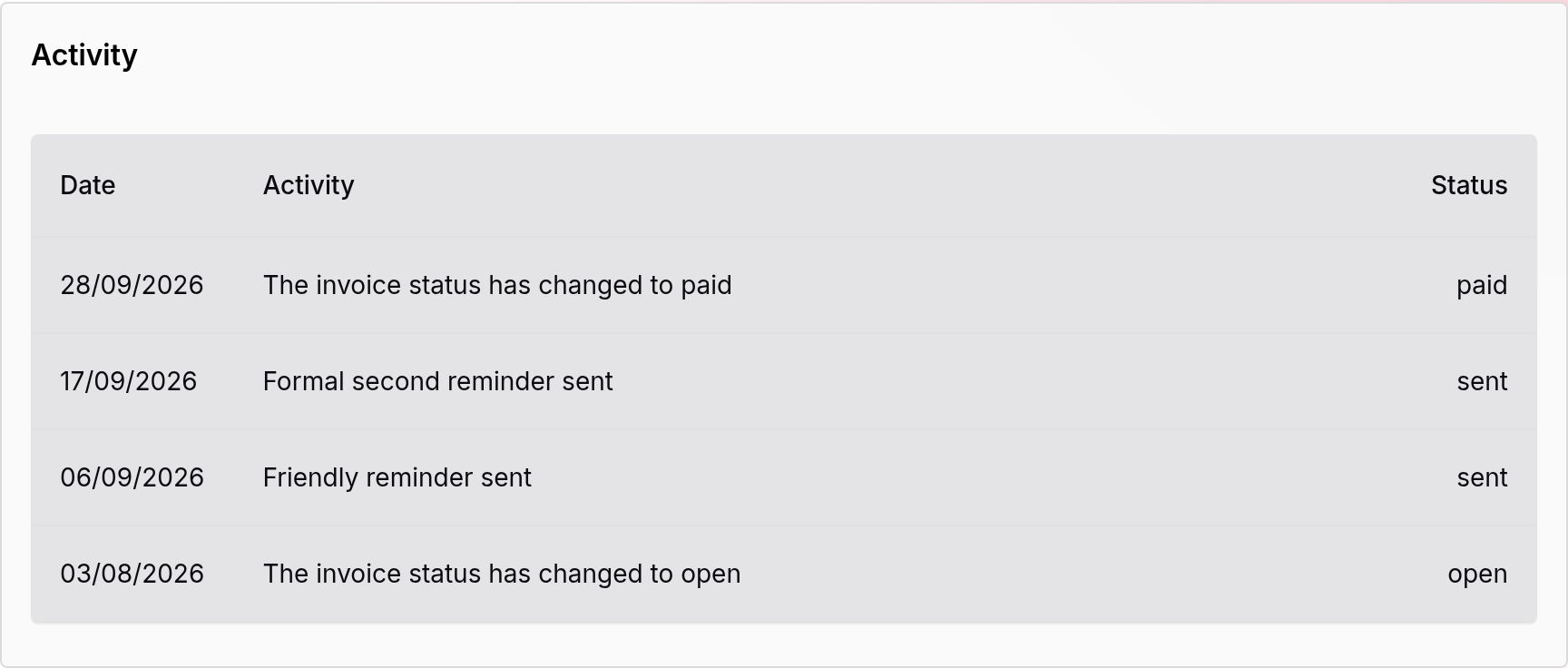
On the Professional plan, invoice auto-reminders go out for you. For when each reminder goes out, see Invoice auto-reminders. For what each plan includes, see Subscription plans and fees.
- Choose what to do next:
- To send the invoice again, select Send invoice.
- To send the payment page yourself, select Copy payment link and paste it into a message. See How to create and share a pay link.
- To speak to the family, see How to send a message to a student or parent, or talk at the next lesson.
If the family paid you another way, record it:
- Select Mark as Paid.
- Enter Notes (optional), for example “Paid in cash”.
- Select Record Payment.
The reminders stop.
If you agree a later date with the family, the reminders keep running. You cannot pause them on one invoice yet.
A Direct Debit payment is being retried
The invoice activity shows Direct Debit payment failed — GoCardless will retry.
You do not need to do anything. GoCardless tries to collect the payment again. The payment stays Collecting until it is collected or GoCardless stops trying.
A payment failed
You get the email “A Direct Debit payment from your student couldn’t be collected”. The payment row on the invoice shows Failed, and the invoice is open again.
A Pay by Bank payment is not retried. If it fails, the activity shows Pay by Bank payment failed. You get the same email, which also says Direct Debit.
- Open the invoice.
- Tell the family that the payment did not go through.
- Send them the payment page. Select Copy payment link and paste it into a message.
The family opens the link and pays again. Their page says “We couldn’t collect this payment. Please try again.”
If the family pays you another way, select Mark as Paid.
A student’s Direct Debit stopped
You get the email “A student’s Direct Debit is no longer active”. The student’s Direct Debit shows Cancelled, Expired or Failed on their contact page.
You do not need to do anything. When the family next pays an invoice by Direct Debit, they set up a new Direct Debit. They can also pay by Pay by Bank.
If you did not expect this, send the family a message.
Stop chasing an invoice
Use this when you decide the invoice will not be paid.
- Open the invoice.
- Select Cancel invoice.
- Select Cancel Invoice to confirm.
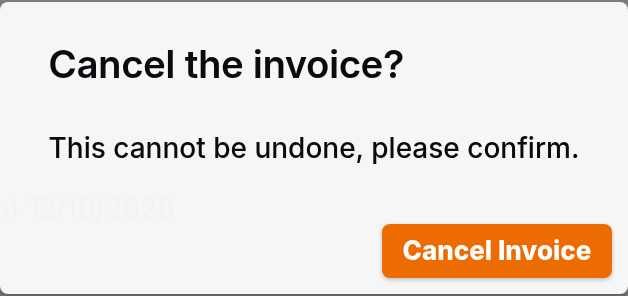
The invoice becomes Written Off. The reminders stop. The person who pays gets an email that tells them. You cannot undo this.