Your public profile is a page about you that anyone can open without signing in. It lives at soniq.studio/@ followed by your handle. Everything else in Soniq Studio is private to you, unless you send it to someone.
Public profile settings
Settings are on Account › Profile.
| Setting | Card | Rules | Shown on |
|---|---|---|---|
| Public handle | Your profile | Unique. Starts with a lowercase letter. Lowercase letters, digits and underscores only. 4 to 30 characters. | The address of your public profile |
| About you | Your profile | A short bio | Your public profile |
| Logo | Profile Logo | Upload to add one, Change to replace it | Your public profile, invoices, the contact portal |
| Billing name and address | Billing Address | Add billing address or Change billing address | The top of your invoices |
Until you choose a handle, the Your profile card shows the Public handle field and no public profile exists. After you choose a handle, the card shows the link to your public profile and the About you field. The card has no field to change a handle once it is chosen.
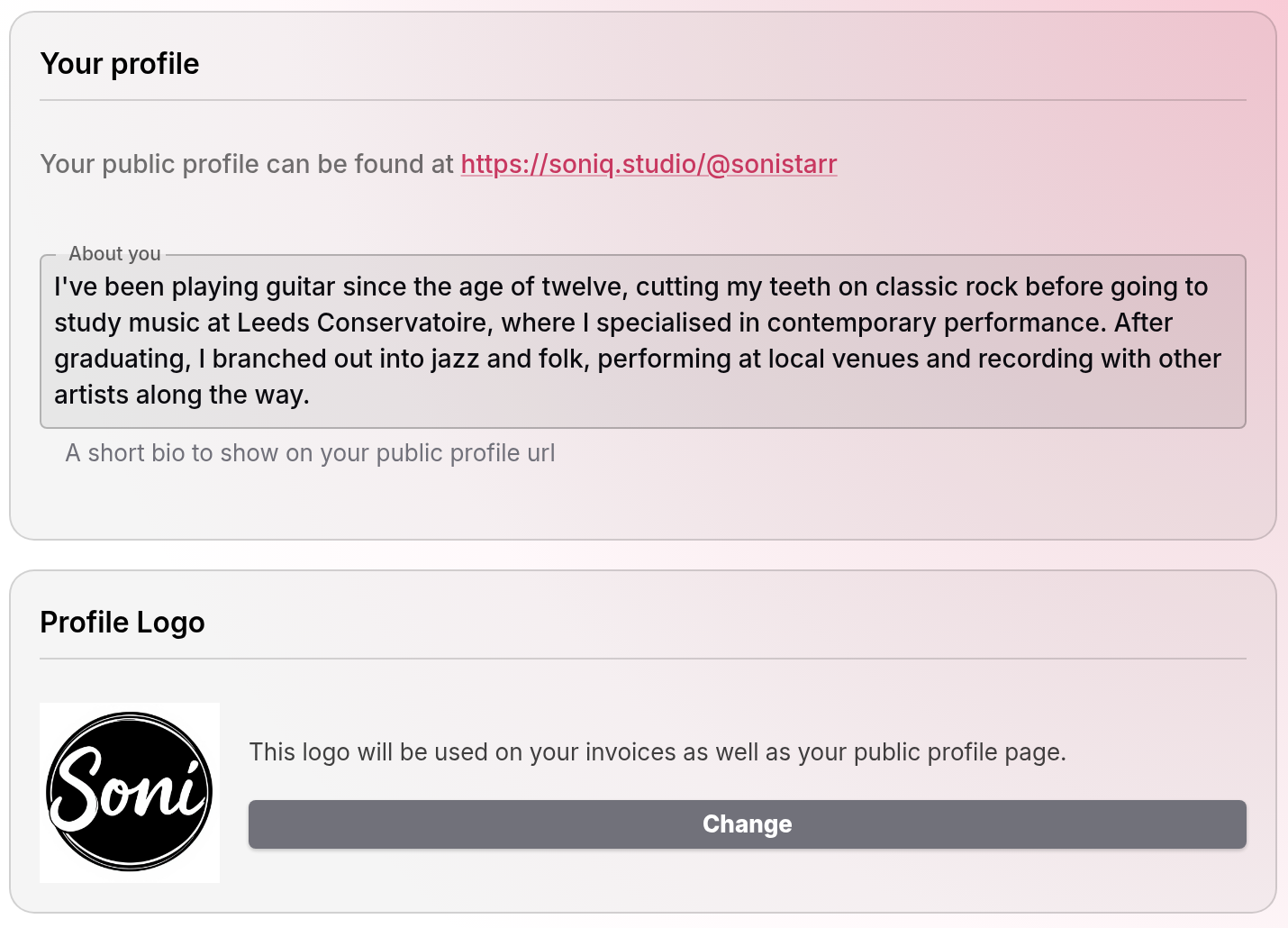
Payment set-up asks for a handle and About you text, because your public profile is linked to your invoices. See Get paid: from timetable to first collected payment.
What the public profile shows
| Item | Source |
|---|---|
| Logo | Profile Logo |
| Name | The name on your account. “Unknown” when no name is set. |
| About text | About you |
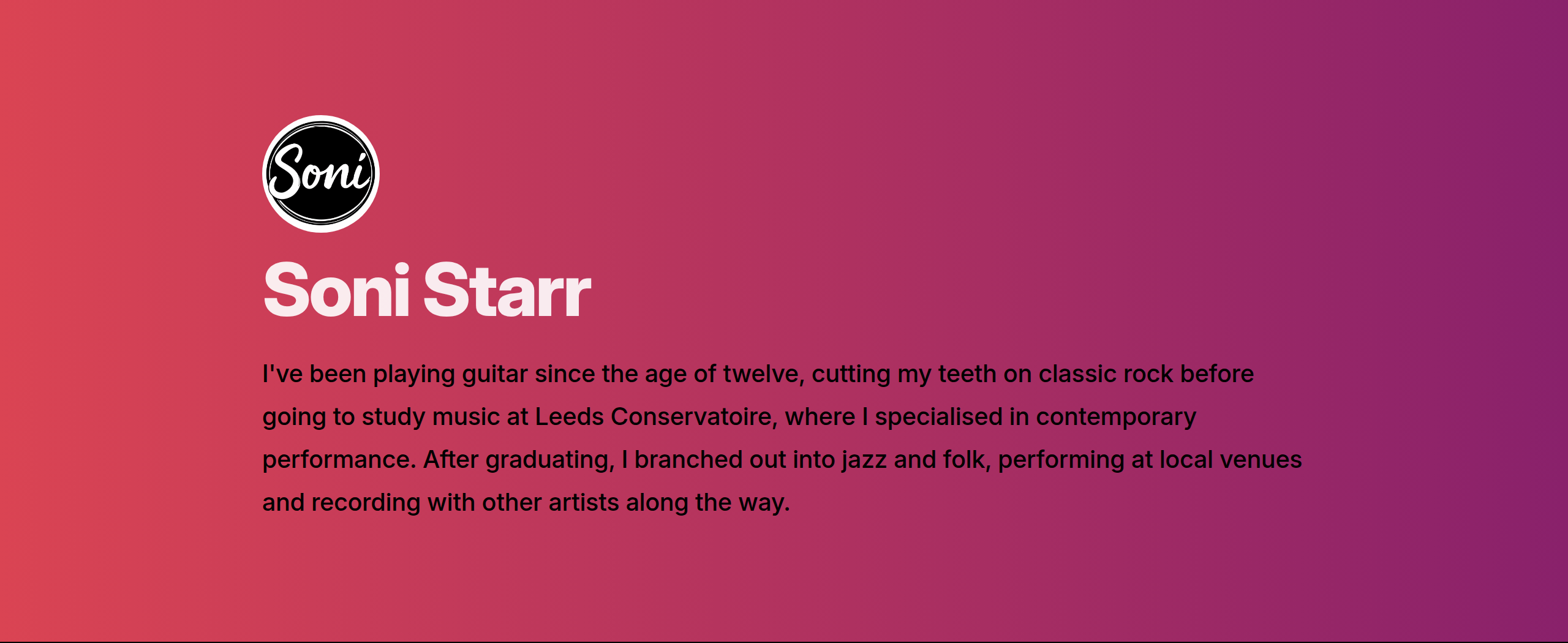
An address with no matching handle shows “Profile not Found”.
The public profile shows nothing else. It has no email address, billing address, students, lessons, prices or invoices.
Where your details appear
| Place | Who can see it | Your details shown |
|---|---|---|
| Public profile | Anyone with the address | Name, logo, About you |
| Invoice email, invoice PDF and payment page | The person you invoice, and anyone they share the link with | Logo, billing name and address |
| Contact portal | Anyone who holds a portal link | Name, logo |
| Contact portal email | The address you send the links to | Name, logo |
| Message email | The contact you message | Name. Replies go to the email address you sign in with. |
| Shared timetable and calendar feed | The people you share them with | See How to share your timetable with students and parents and Calendar feed |
What stays private
These are visible only to you when you are signed in:
- your contacts and their details
- your timetable, unless you share it
- your prices
- your invoices, until you send them
- your messages
- your bank and payment set-up
A contact portal link shows one family’s own lessons and invoices. It shows nothing about your other students. For how portal links are kept safe, see Why students get a portal, not an account. For how Soniq Studio stores your data, see Data and security overview.